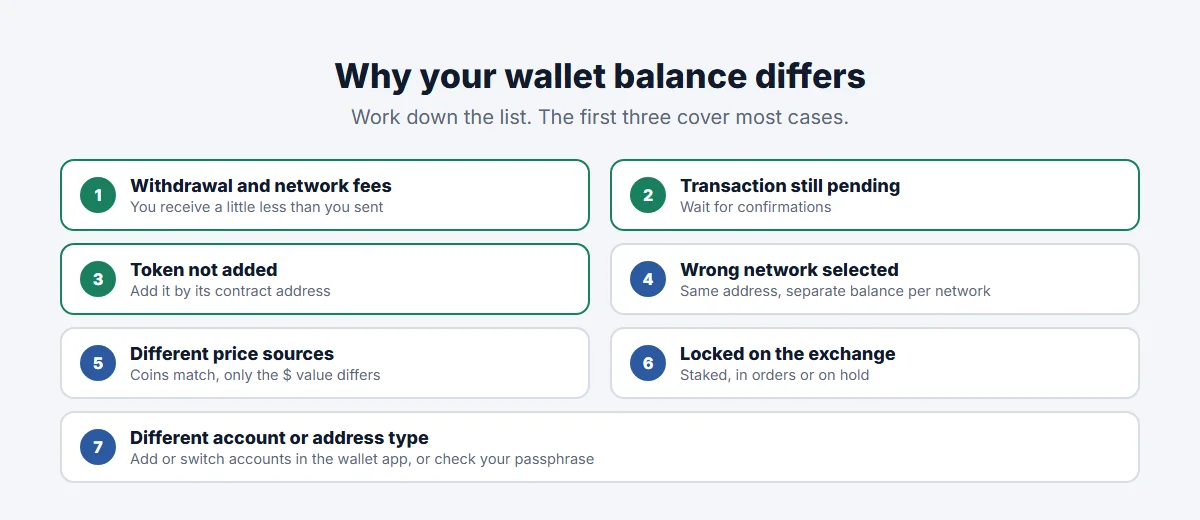
Is your wallet balance different from the exchange? If it looks that way, the crypto is almost never missing. The most common reasons are withdrawal and network fees (you receive slightly less than you sent), a transaction that’s still pending, a token or network your wallet isn’t displaying, or simply different prices used to show the value in dollars or pounds. Less often, part of the balance is locked or staked on the exchange, or the wallet is showing the wrong account.
The blockchain is the source of truth. This guide shows how to check it, then walks through each cause with the fix.
Start here: compare coin amounts, then check the blockchain
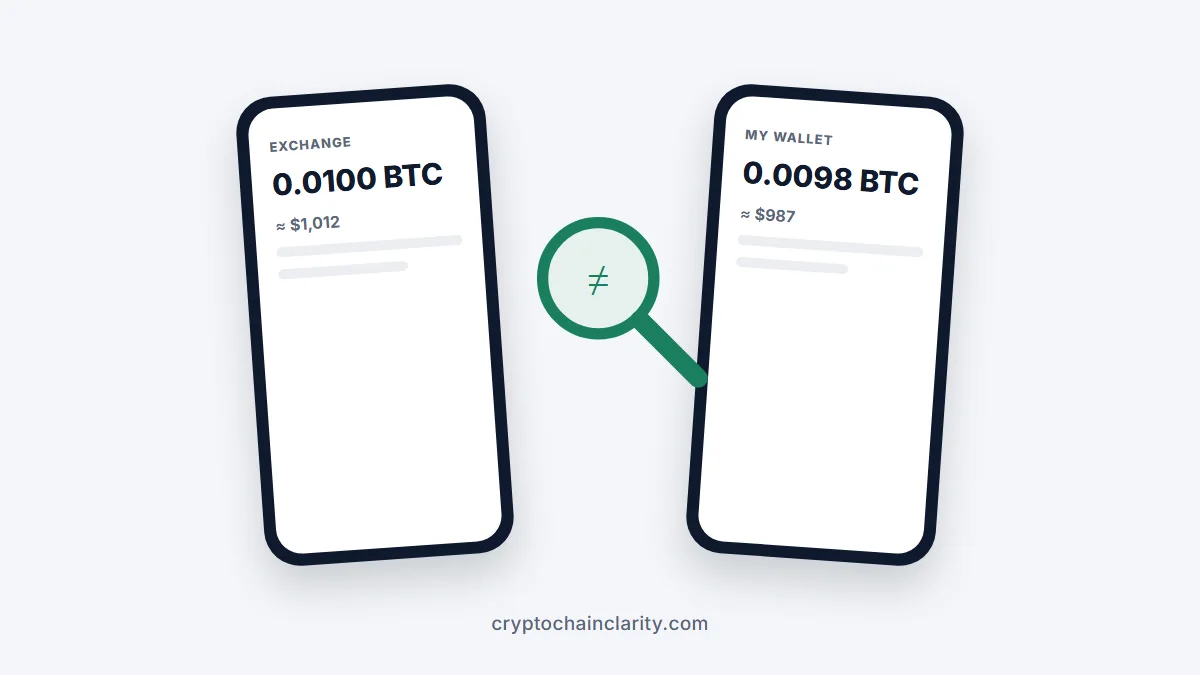
- Compare the amount of coins, not the value in your currency. If 0.25 BTC shows on both, the coins match and only the price differs.
- Copy your wallet’s receiving address and look it up on a block explorer for that network, such as mempool.space for bitcoin or Etherscan for Ethereum. The balance there is what you actually hold.
- Find the withdrawal’s transaction hash in the exchange’s history and check that it’s confirmed and went to your address on the right network.
If the explorer shows the right amount at your address, the issue is how your wallet is displaying it. If it doesn’t, the cause is somewhere in the transfer.
Wallet balance different from the exchange: the common reasons
1. Withdrawal and network fees
When you withdraw from an exchange, a fee is usually deducted, either from your exchange balance or from the amount sent. Either way, your wallet receives a little less than the number you typed in, or your exchange balance drops by more than the amount received.
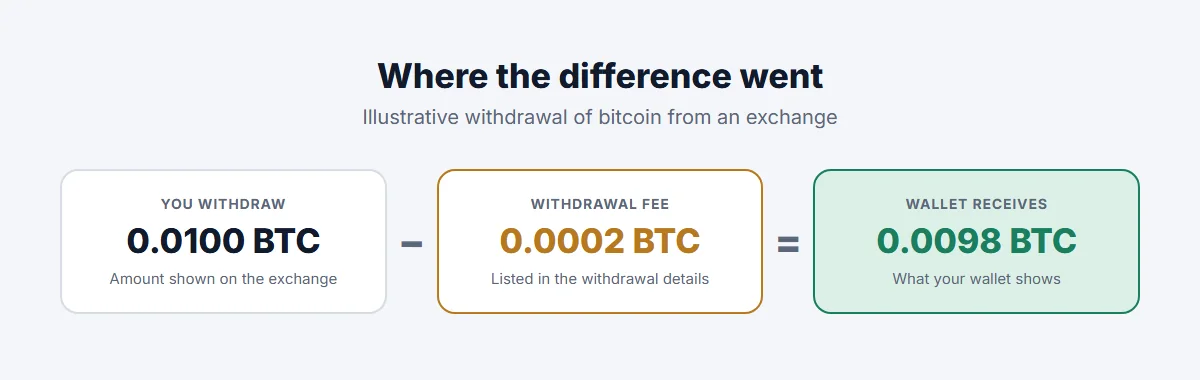
Check the withdrawal details on the exchange: the fee is normally listed. Crypto exchange fees explained covers how withdrawal fees work.
2. The transaction is still pending
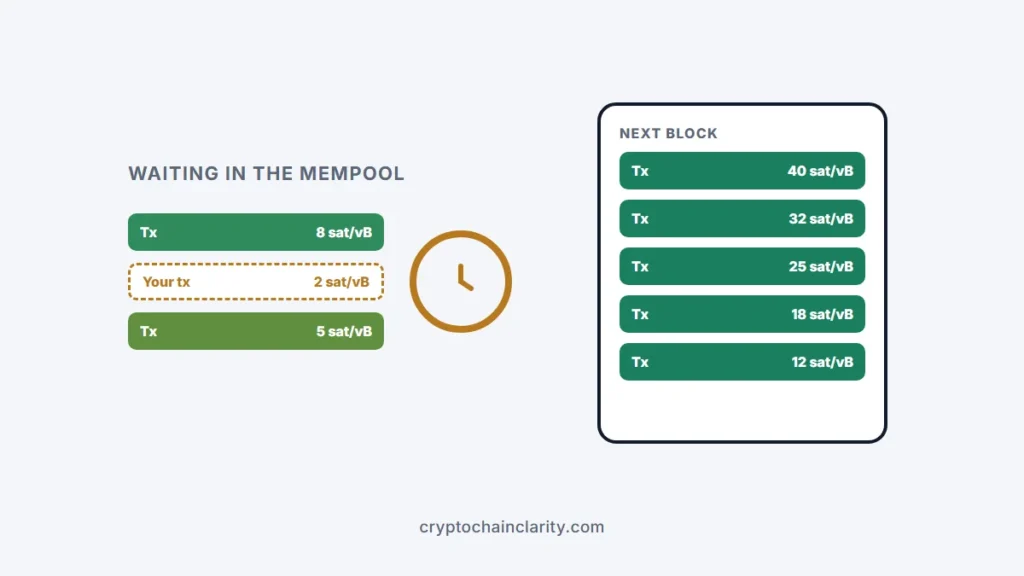
If the withdrawal hasn’t been confirmed yet, the exchange may already have deducted it while your wallet doesn’t show it, or shows it as pending. Wait for confirmations, and check the transaction hash on an explorer. If it’s stuck, see why is my bitcoin transaction unconfirmed or why is my Ethereum transaction pending.
3. The token isn’t added to your wallet
Wallets don’t automatically show every token. If you received a token on Ethereum or another EVM network and it doesn’t appear, the funds are there but hidden. Add the token manually using its contract address, copied from the token’s official website or a trusted source, not from a random link.
4. You’re looking at the wrong network
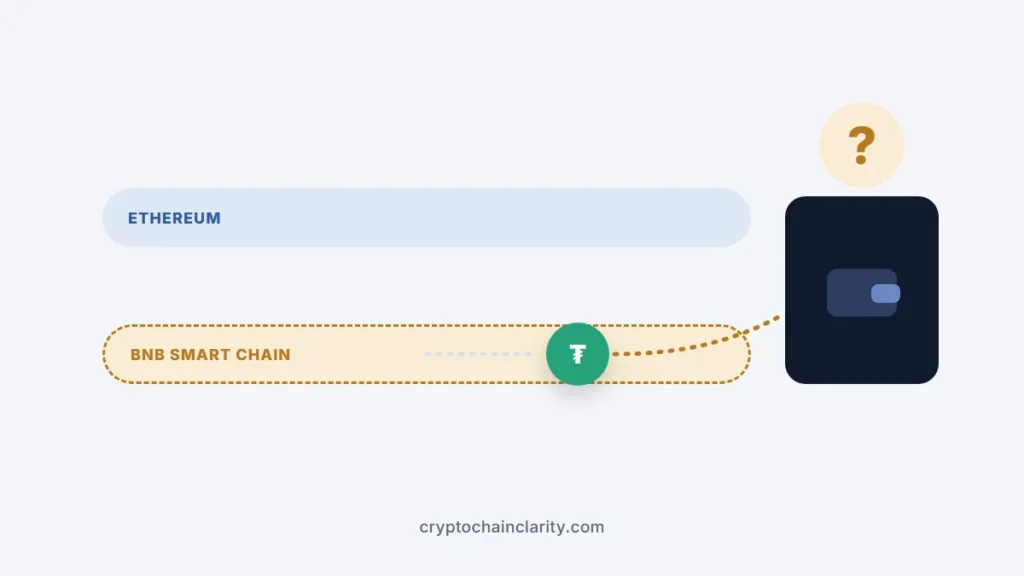
On EVM networks, your address is the same on Ethereum, Arbitrum, Base, BNB Smart Chain and others, but each has its own balance. If the exchange sent on Base and your wallet is set to Ethereum, you won’t see the funds until you switch networks. Sent crypto to the wrong network explains how to find them.
5. Different prices for the same coins
If the coin amounts match but the dollar or pound value differs, it’s just pricing. Exchanges often show their own price, sometimes including their spread, while wallets use price feeds from data providers. Small differences, especially for smaller tokens, are normal and don’t affect what you own.
6. Part of your exchange balance is locked
Exchanges often separate your total balance from what’s available to withdraw. Funds can be staked, used in savings or earn products, held for open orders, or under a deposit hold. Only the available part can be withdrawn. Exchange withdrawal on hold explains holds.
7. Your wallet is showing a different account or address type
Some wallets, especially for bitcoin, create several accounts or address types (for example native SegWit and older formats) from the same recovery phrase. If you restored a wallet or added a new account, your coins may sit in an account the app isn’t currently showing. Add or switch accounts in the app, or let it rescan.
Hardware wallet apps such as Ledger Wallet (formerly Ledger Live) and Trezor Suite let you add accounts for each coin and address type; a restored wallet may need you to add the old ones again. If you use a passphrase, a different passphrase opens a different, often empty, wallet.
When to contact support
Contact the exchange’s support through its official app or website if:
- the explorer shows no transaction at all, but the exchange says the withdrawal is complete,
- the transaction went to an address you don’t recognise,
- the amount received is far below the amount sent minus the listed fee.
Give them the transaction hash, network, amount and your receiving address. Ignore anyone contacting you on social media or by phone offering to “sync” or “fix” your wallet; asking you to connect a wallet or enter your recovery phrase is a common scam. Common crypto scams shows what to watch for.
Spam tokens: when the wallet shows more than expected
Sometimes a wallet shows tokens you never bought. These are usually airdropped spam tokens with fake values, often designed to lure you to a malicious website to “claim” or “sell” them. Don’t interact with them; hide them in your wallet settings instead.
For a refresher on what a wallet actually stores, see crypto wallets explained, and for safe transfers in the first place, how to move crypto from Coinbase to a hardware wallet.