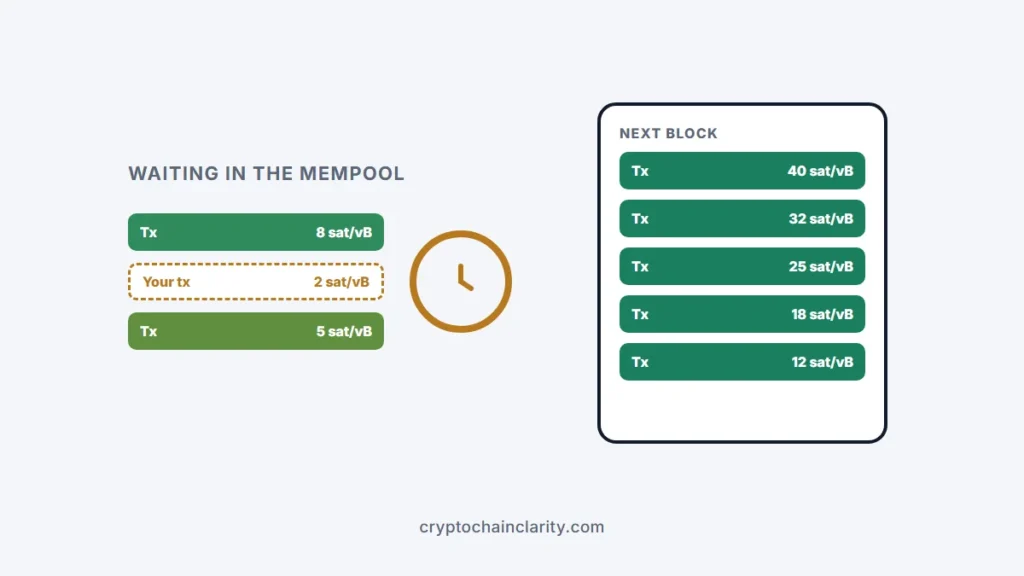
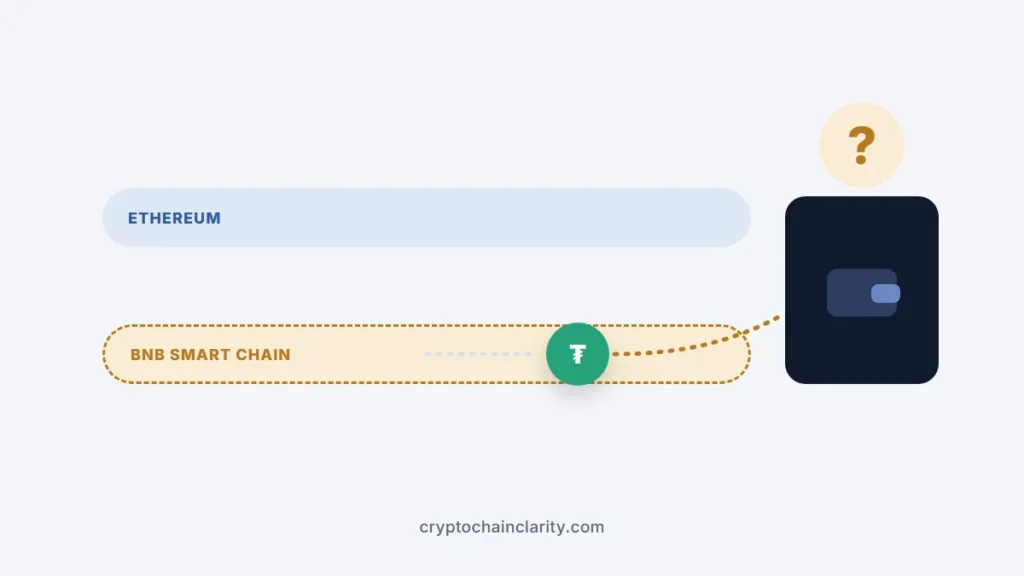
If you forgot your crypto wallet PIN or password, the key question is whether you still have your recovery phrase, the 12 to 24 words you wrote down when you set up the wallet. If you do, you can almost always get back in: you reset the device or reinstall the app, restore from the phrase, and choose a new PIN. Your crypto isn’t stored in the device or app; it’s on the blockchain, and the phrase controls it.
If you don’t have the phrase, a self-custody wallet’s PIN or password can’t be reset by anyone, including the company that made the wallet. That’s the trade-off of holding your own keys. An exchange account is different: it can usually be recovered through the exchange’s support.
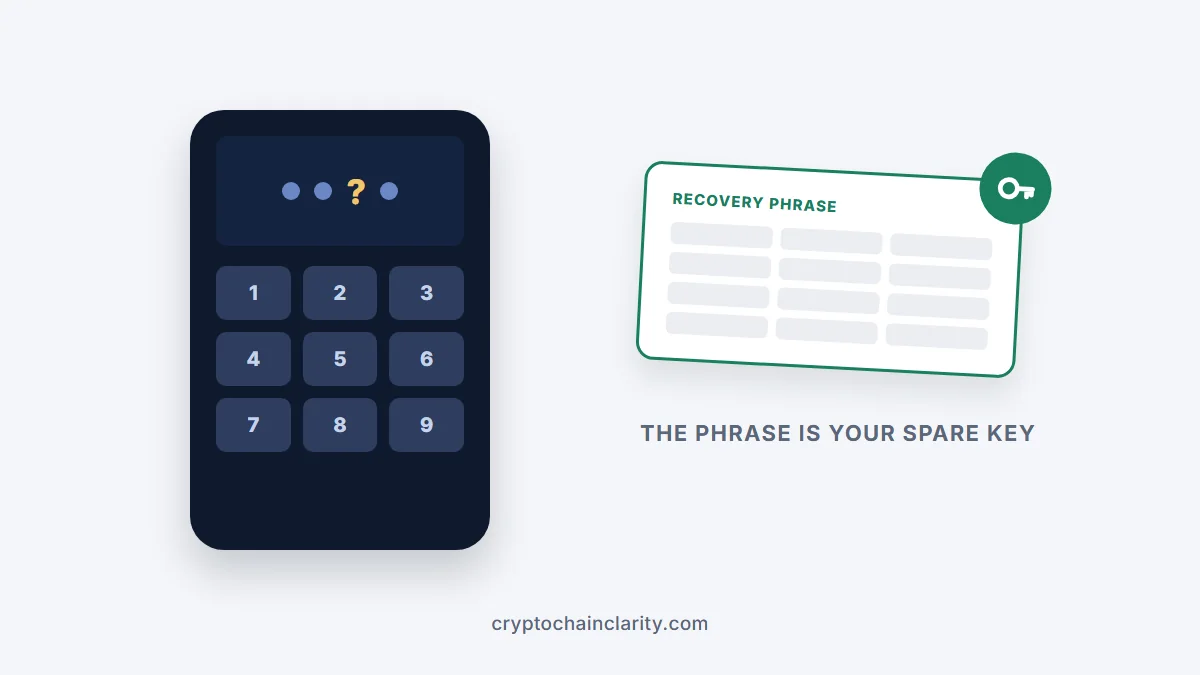
PIN, password and recovery phrase: what each one does
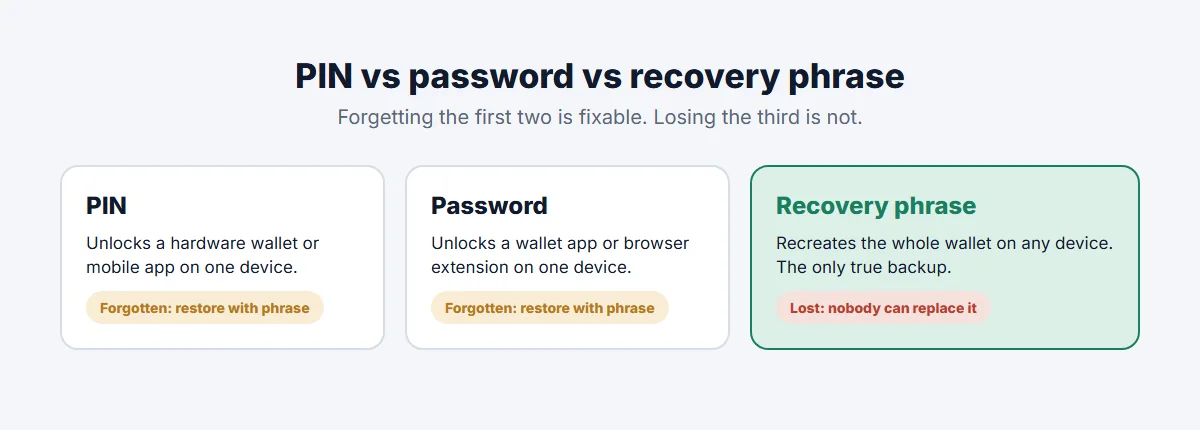
- PIN: unlocks a hardware wallet or a mobile wallet app on that device.
- Password: unlocks a wallet app or browser extension, such as MetaMask or Exodus, on that device.
- Recovery phrase: recreates the entire wallet on any device. It’s the real backup.
So forgetting a PIN or password is usually a nuisance, not a disaster, as long as the phrase is safe.
Forgot your crypto wallet PIN? What to do, by wallet type
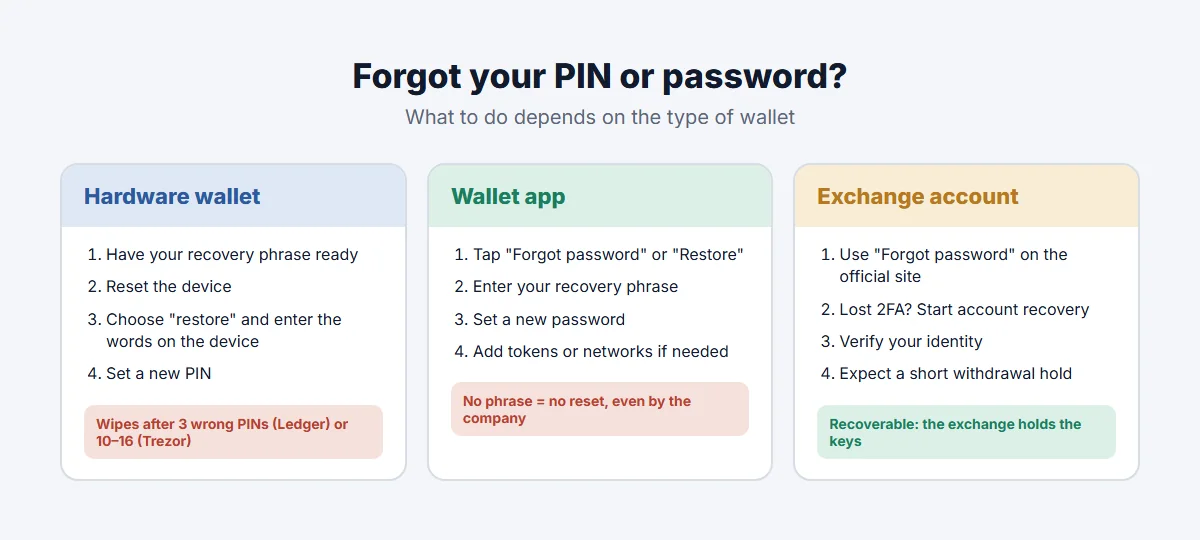
Hardware wallets (Ledger, Trezor and others)
Hardware wallets wipe themselves after too many wrong PIN attempts, to protect against thieves. A Ledger resets after 3 incorrect attempts. Trezor’s PIN protection guide lists 16 attempts for the Safe 3, Safe 5, Model One and Model T, and 10 for the Safe 7.
If you have your recovery phrase:
- Make sure the phrase is in front of you and complete.
- Let the device reset, either by entering wrong PINs until it wipes or through the reset option in its companion app.
- Choose restore (not “create new wallet”) and enter your recovery words on the device itself.
- Set a new PIN and write it down somewhere safe, separately from the phrase.
- If you used a passphrase (an optional extra word), enter it too, or you’ll see an empty wallet.
If you don’t have the phrase: don’t keep guessing. Each wrong attempt brings you closer to a wipe, after which the funds are unrecoverable. Take time to think about PINs you commonly use, try only your strongest candidates, and stop before the final attempt. If the device still works with a PIN you remember later, create a new wallet and move your funds to it immediately, this time with a properly stored phrase.
What happens if you lose your hardware wallet covers the restore process in more detail.
Wallet apps and browser extensions (MetaMask, Exodus and others)
Software wallets can’t reset your password through an email link, because the company never had your keys.
- MetaMask: use Forgot password and enter your Secret Recovery Phrase, then set a new password, as described in MetaMask’s guide on resetting your password. Without the phrase, it can’t be reset.
- Exodus: restore from your 12-word secret phrase to set a new password, according to Exodus’s support article.
- Other apps: look for “Forgot password” or “Restore wallet”, or reinstall the app and choose to restore an existing wallet.
Restoring usually replaces the wallet on that device, so make sure you’re restoring the right phrase. Your balance will reappear once the app syncs with the blockchain; you may need to add tokens or networks manually.
Exchange accounts (Coinbase, Kraken and others)
An exchange account isn’t a self-custody wallet: the exchange holds the keys, so a forgotten password or PIN can be recovered.
- Use the Forgot password link on the official website or app, which sends a reset email.
- If you’ve also lost your two-factor authentication device, use the exchange’s account recovery process, which usually involves verifying your identity with ID documents.
- Expect a temporary withdrawal hold after resetting security details; that’s normal. Exchange withdrawal on hold explains why.
What can’t be recovered
- A self-custody wallet where you’ve lost both the PIN or password and the recovery phrase, once the device has wiped or the app’s data is gone.
- A passphrase-protected wallet where the passphrase is forgotten, even if you have the phrase.
No company, support agent or “recovery expert” can bypass this, because the cryptography is designed so that nobody but the key holder can. Specialist services that try to crack forgotten passwords exist, but they can only work in narrow cases, such as a wallet file on your computer and a password you partly remember, and many people offering this are scammers.
Beware of recovery scams
If you post online about a lost PIN or password, expect fake “support” to reply.
- Never share your recovery phrase with anyone or type it into a website. Legitimate wallets only ask for it inside their own app or device when you restore.
- Ignore phone numbers and links in search results, forums or social media that claim to be wallet support.
- Be suspicious of anyone who contacts you first.
Common crypto scams shows how these approaches work.
How to avoid this next time
- Store your recovery phrase safely and offline, ideally in more than one secure place. How to store a seed phrase safely compares the options.
- Record your PIN or password somewhere separate from the phrase, such as a password manager.
- Test your backup occasionally by checking the words are complete and readable.
- Plan for your family: if they’d need access one day, see how to pass crypto to your family.