A lost hardware wallet doesn’t mean lost crypto. Your coins were never stored on the device: they live on the blockchain, and the device only holds the keys that let you move them. As long as you still have your recovery phrase (the 12, 20 or 24 words you wrote down during setup), you can restore everything on a new device and carry on.
What you should do next depends on one question: do you still have that recovery phrase, and is it safe? This guide walks through each situation (lost, stolen, broken, or phrase gone too), how to restore your wallet, and when it’s worth moving your coins to a brand-new wallet.
Why the device isn’t where your crypto is
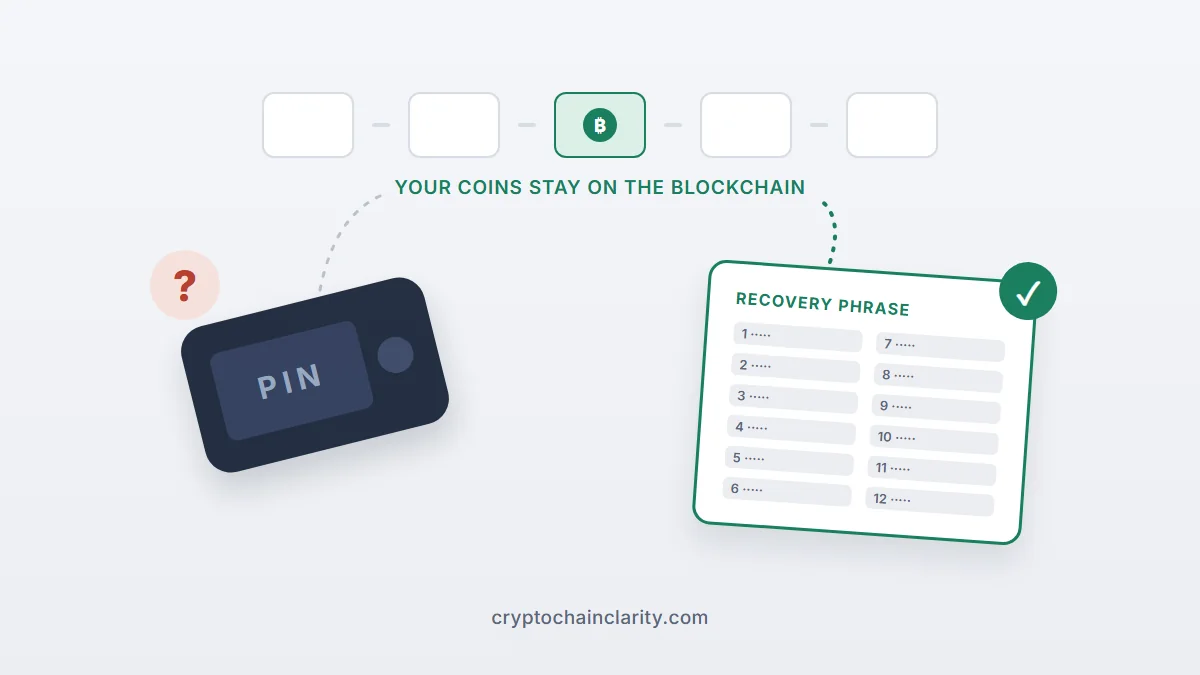
A hardware wallet is a small signing machine. Inside it is a private key generated from your recovery phrase. When you send crypto, the wallet uses that key to sign the transaction, and the network records the move. Your balance is simply a record on the blockchain that anyone can look up.
That’s why manufacturers describe the recovery phrase as the master key. Ledger’s own guide on lost and stolen devices puts it plainly: you can restore your accounts on a new device, or on any compatible wallet, using that phrase. The same is true for Trezor and every other wallet built on the common BIP39 standard.
If the idea of keys versus coins is still fuzzy, crypto wallets explained covers it from the start.
Lost hardware wallet? First, work out which situation you’re in
| Your situation | Risk to your coins | What to do |
|---|---|---|
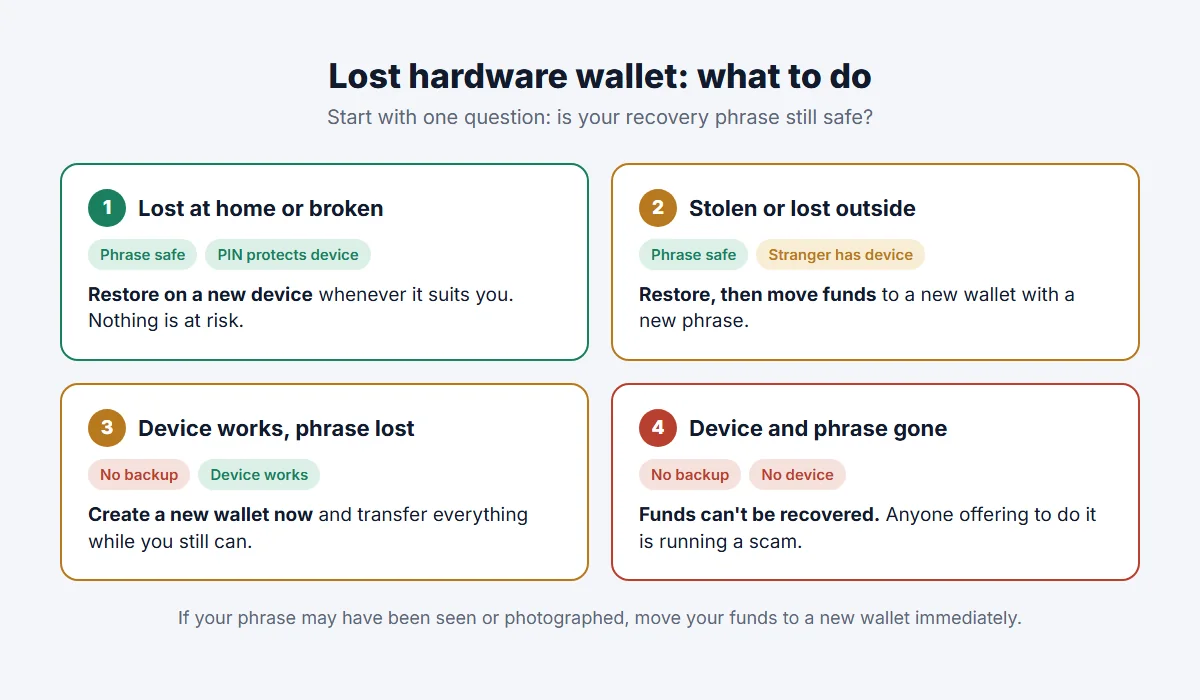
| Device lost at home or broken, phrase safe | Very low | Restore on a new device when convenient |
| Device lost outside or stolen, phrase safe | Low, but not zero | Restore, then move funds to a new wallet with a new phrase |
| Device works, but the phrase is lost | High: one more failure and it’s over | Create a new wallet now and move everything to it |
| Device and phrase both lost | Funds are unreachable | Nobody can recover them, so ignore anyone who says they can |
| Phrase may have been seen or photographed | Very high | Move funds to a new wallet immediately |
Lost or broken, and your recovery phrase is safe
This is the most common lost hardware wallet case, and the least stressful. Nothing has happened to your coins. A finder can’t use the device without the PIN, and both major brands wipe it after too many wrong guesses: a Ledger resets itself after 3 incorrect PINs, and Trezor’s PIN protection guide lists 16 attempts for the Safe 3, Safe 5, Model One and Model T, and 10 for the Safe 7.
You can restore on a new device of the same brand, a different brand, or temporarily in a reputable software wallet if you need access urgently. There’s no deadline. Your coins will wait.
Stolen, or lost somewhere you can’t trace
Here the PIN still protects you, but it’s sensible to assume someone determined has the device. Some older designs have known physical weaknesses: in 2020, Kraken Security Labs showed that the seed could be extracted from a Trezor One or Model T with specialist equipment and about 15 minutes of physical access, unless the owner used a passphrase.
The fix is simple: restore your wallet on a new device, then create a fresh wallet with a new recovery phrase and send your coins to it. Once the funds have moved, the old phrase and the stolen device control an empty wallet.
The device still works, but your recovery phrase is gone
This one is more urgent than a lost device, even though nothing seems wrong. Your coins are now protected by a single object. If that device breaks, gets lost or wipes itself after wrong PINs, the funds are gone for good.
Don’t just write down the phrase again from memory or from a photo. Set up a new wallet (a reset device or a second one), write down its new phrase properly, and transfer everything across while the old device still works.
Both the device and the phrase are gone
Without the phrase or a working device, the keys can’t be recreated. Ledger’s guide says it directly: without the matching phrase, your crypto is gone. No manufacturer, exchange or “recovery expert” can bring it back, because nobody else ever had a copy.
The one exception is if you used an optional backup service, such as Ledger Recover, or have a backup device already restored with the same phrase. If you did, that’s your way back in.
How to restore your wallet on a new device
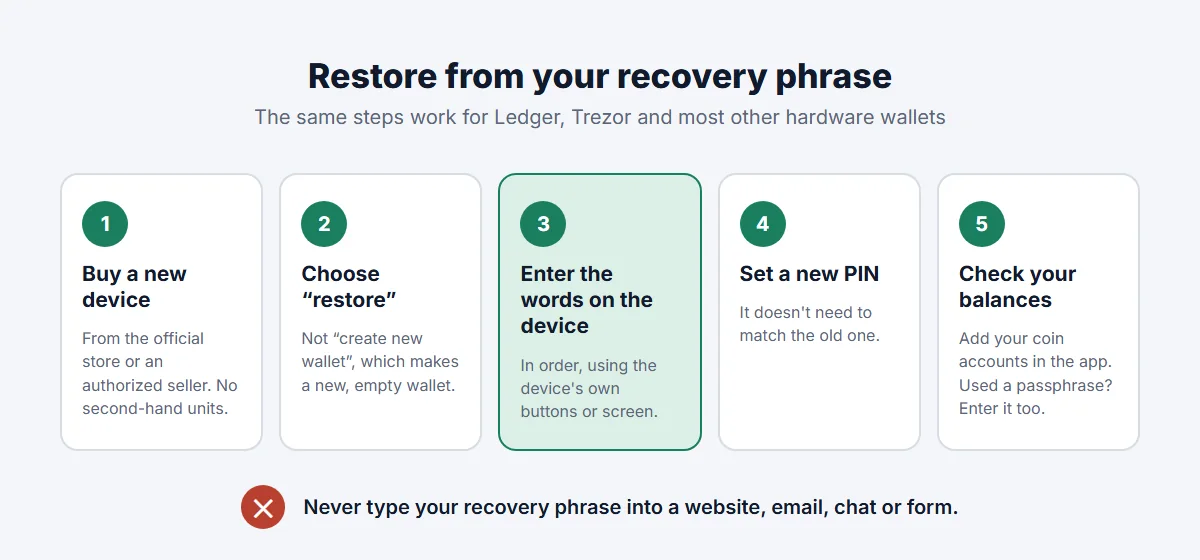
- Get a new device from the manufacturer or an authorized seller. Avoid marketplace listings and second-hand units, which can be tampered with.
- Choose “restore” or “recover”, not “create new wallet”. Creating a new wallet generates a different phrase and an empty balance.
- Enter your recovery words on the device itself, in the right order, using its buttons or touchscreen. A legitimate restore never asks you to type the phrase into a website, browser extension or email.
- Set a new PIN. It doesn’t have to match the old one.
- Open the wallet app (Ledger Wallet, formerly Ledger Live, or Trezor Suite) and add the accounts for your coins. Your balances should appear as before.
If you used a passphrase (an optional extra word that creates a hidden wallet), you’ll need to enter it too. A passphrase can’t be recovered: entering a different one opens a different, empty wallet rather than giving an error. That catches people out, so if your balance shows zero after restoring, check the passphrase before you panic.
If the balance still looks wrong, check that you added the right coin and network. Some wallets only show accounts after you add them, and a bitcoin wallet may use more than one address format.
When to move your crypto to a completely new wallet
Restoring brings back the same keys. That’s enough when the device is simply broken or lost in your own home. In any of these cases, go one step further and move your funds to a new wallet with a new recovery phrase:
- The device was stolen or lost somewhere a stranger may have it.
- You can’t be certain nobody saw, photographed or copied your phrase.
- You stored the phrase digitally at any point (a photo, a notes app, cloud storage, an email to yourself).
- You typed the phrase into anything other than the hardware wallet itself.
Moving funds takes a few minutes per coin plus network fees. Send a small test first, as you would when moving crypto from Coinbase to a hardware wallet.
Watch out for recovery scams
People who post about a lost hardware wallet online are prime targets. Scammers watch forums and social media for posts about lost wallets, then reply as “support” or “recovery specialists” with a link to a fake restore page.
A few rules make you immune:
- Nobody legitimate will ever ask for your recovery phrase. Not Ledger, not Trezor, not your exchange.
- Fake support often arrives through direct messages, phone calls or emails that copy official branding.
- Services that promise to recover crypto when you have neither the phrase nor the device are scams. The maths makes it impossible.
Our guide to common crypto scams shows what these approaches look like.
How to make a lost hardware wallet a non-event next time
If losing a device is stressful, your setup can be improved so it never matters again:
- Keep the recovery phrase offline, in a secure place away from the device. Paper works; metal survives fire and water better. How to store a seed phrase safely compares the options.
- Consider a second copy in a separate location if your holdings are large enough to justify it.
- Use a long PIN. Ledger accepts 4 to 8 digits; Trezor allows much longer PINs.
- Think about a passphrase only if you’ll back it up properly. It protects against physical attacks but adds a second secret you must never lose.
- Make sure someone you trust could find your instructions. If something happened to you, a lost device is the least of the problems. Our guide on passing crypto to your family explains how to plan for that without exposing your phrase.
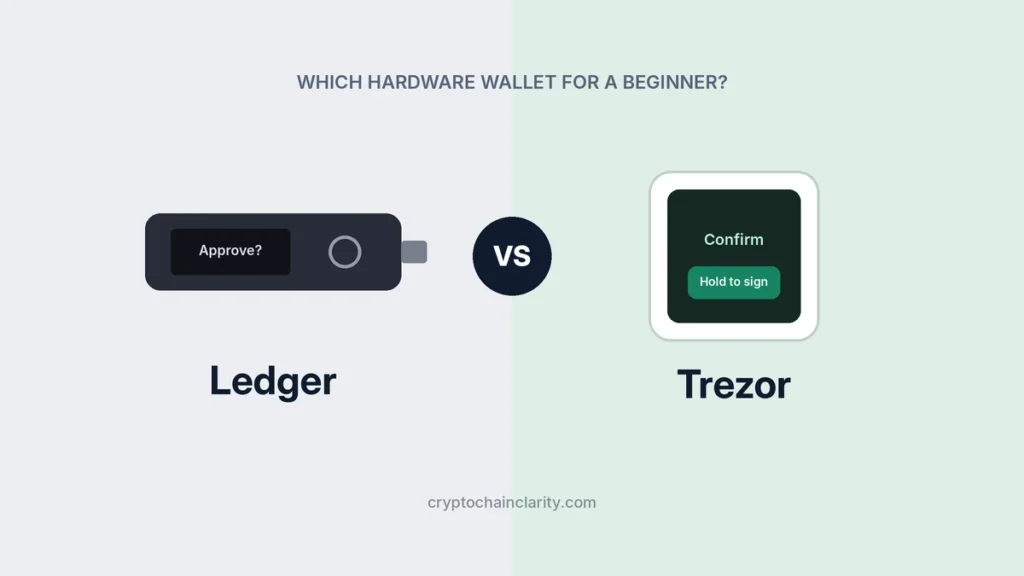
Choosing a replacement? Ledger vs Trezor compares the two best-known brands, A standard 12- or 24-word phrase (BIP39) can be restored on either brand. Newer Trezor models may instead create a 20-word backup in a different format (SLIP39). Ledger devices can’t restore that format, so a 20-word Trezor backup needs another Trezor or one of the software wallets that support SLIP39, such as Electrum or Sparrow for bitcoin.