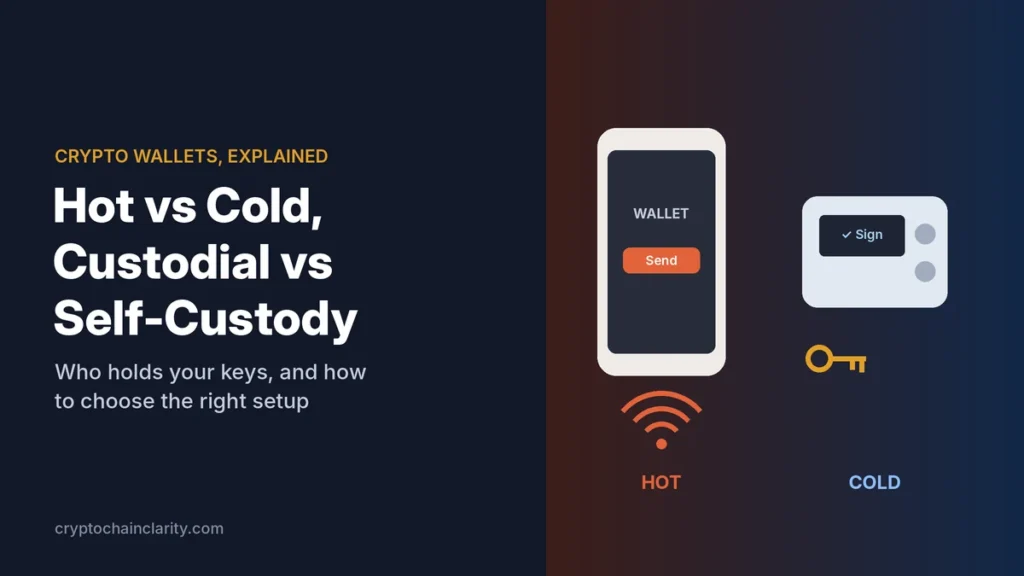
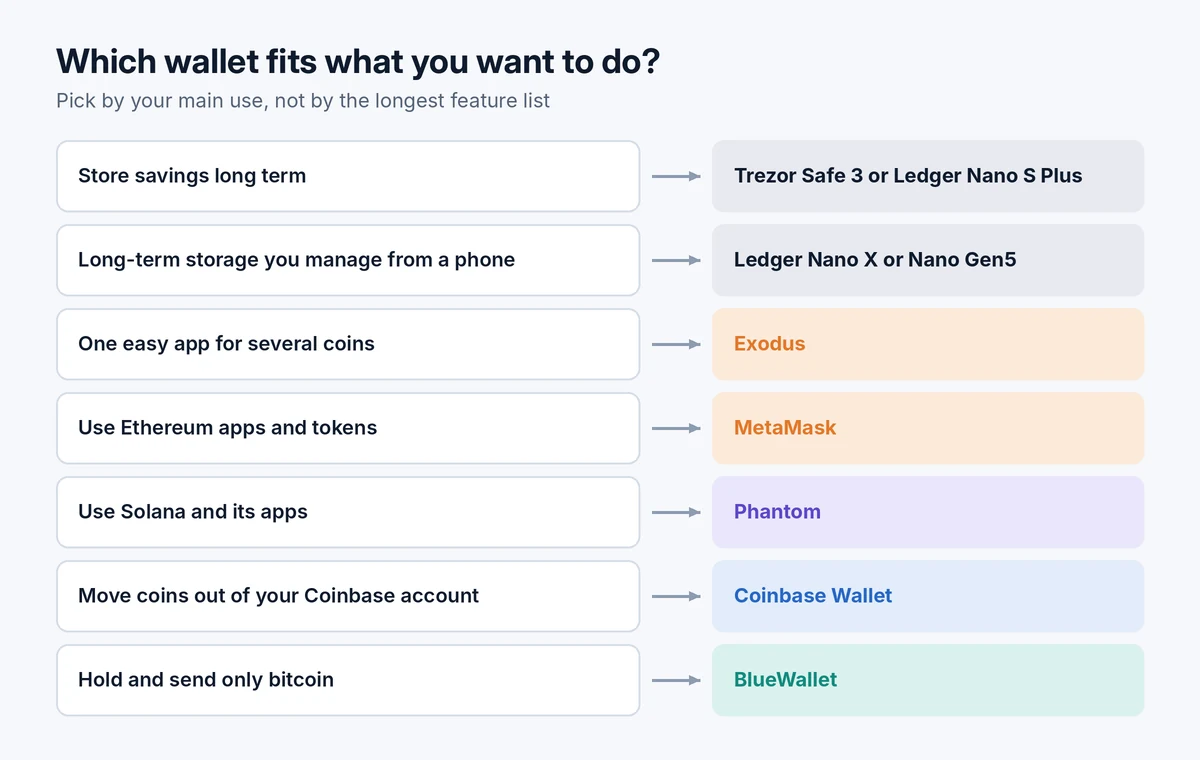
There’s no single best crypto wallet. The right one depends on what you want to do: store savings safely, use crypto apps, hold only bitcoin or manage a few coins in one easy place. For most beginners, the strongest setup is a hardware wallet for savings, such as the Trezor Safe 3 or Ledger Nano S Plus, plus one free software wallet for small, everyday amounts.
Below are seven well-established options, each matched to a specific need, with what it does well and where it falls short. If you’re still unsure what “hot”, “cold” or “self-custody” means, read crypto wallets explained first.
How we chose these wallets
To pick the best crypto wallets for beginners, we looked for ones a beginner can set up without technical knowledge and that meet these criteria:
- Self-custody: you hold the keys, so no company can freeze your coins.
- Track record: established products from companies that have operated for years.
- Clear recovery: a standard recovery phrase you can use to restore your coins elsewhere.
- Security features: such as transaction previews, scam warnings or offline key storage.
- Ease of use: a clear app with plain-language steps.
This guide is based on each wallet’s published features and independent reviews; we haven’t run lab tests. Features change often, so check the official site before you download or buy.
The best crypto wallets for beginners at a glance
| Wallet | Type | Cost | Best for | Main limitation |
|---|---|---|---|---|
| Trezor Safe 3 / Ledger Nano S Plus | Hardware | About $59–79 | Long-term savings | Cable needed; small screen |
| Ledger Nano X / Nano Gen5 | Hardware with Bluetooth | About $149–179 | Savings managed from a phone | Costs more; closed firmware |
| Exodus | Desktop and mobile | Free (fees on swaps) | Several coins in one easy app | Partly closed source |
| MetaMask | Browser and mobile | Free (fees on swaps) | Ethereum apps and tokens | Easy to approve harmful transactions |
| Phantom | Browser and mobile | Free (fees on swaps) | Solana and its apps | Limited set of networks |
| Coinbase Wallet | Mobile and browser | Free (fees on trades) | Coinbase users moving to self-custody | App has changed focus several times |
| BlueWallet | Mobile | Free | Bitcoin only | No other coins |
Hardware wallets: for your savings
1. Trezor Safe 3 or Ledger Nano S Plus: best for long-term savings
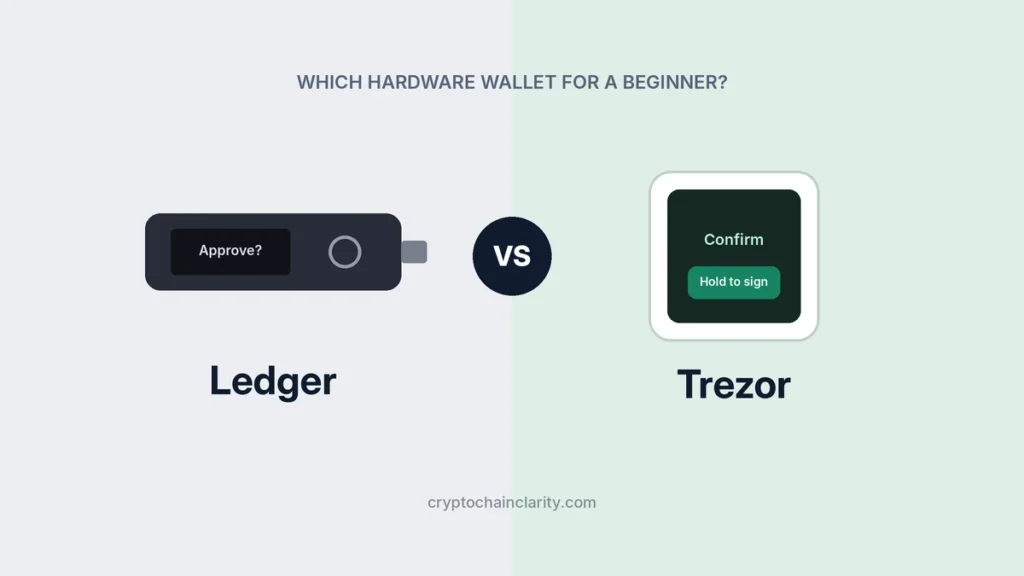
These two entry-level devices do the most important job, keeping your keys offline, for roughly the price of a dinner out. Both have a secure chip, make you confirm every transaction on the device’s own screen and work with a desktop app.
- Choose the Trezor Safe 3 if you value open-source code, mostly hold bitcoin and major coins, or want the multi-share backup option.
- Choose the Ledger Nano S Plus if you hold a wider mix of coins and tokens.
- Limitations: small screens and two buttons can be fiddly, and neither connects to a phone wirelessly.
The full comparison is in Ledger vs Trezor.
2. Ledger Nano X or Nano Gen5: best for managing savings from your phone
If you’d rather check balances and approve transactions from your phone, these Ledger models connect over Bluetooth to the Ledger Wallet app. The Nano Gen5 adds a larger E Ink touchscreen, which makes checking addresses easier. Trezor’s equivalent is the Safe 7, which also has Bluetooth but costs more.
- Good for: people who mainly use a phone and want hardware-level protection.
- Limitations: they cost about twice as much as the entry models, and Ledger’s device firmware is closed source.
Software wallets: for everyday amounts
Software wallets are free and quick to set up, but your keys sit on an internet-connected phone or computer. Use them for amounts you’d be willing to lose, and keep savings on a hardware wallet. Most of the options below can also connect to a hardware wallet, so you get the app’s convenience with offline keys.
3. Exodus: best all-in-one app for several coins
Exodus is one of the most beginner-friendly wallets: a clean design, built-in swaps and portfolio tracking, on both desktop and mobile, covering dozens of networks including bitcoin and ethereum. It can also work with a Trezor or Ledger device.
- Good for: holding a handful of popular coins in one place without technical setup.
- Limitations: only part of its code is public, so you can’t fully verify how it works. Built-in swaps are convenient but can cost more than an exchange.
4. MetaMask: best for Ethereum apps and tokens
MetaMask is the most widely used wallet for Ethereum and the many networks built on it, and it’s the default way to connect to most Ethereum apps. It runs as a browser extension and a mobile app, and it has added support for other networks such as Solana.
- Good for: people who want to use crypto apps, such as trading or lending services, on Ethereum and compatible networks.
- Limitations: because it connects to so many apps, it’s also a favorite target for phishing. A careless approval on a fake site can let someone drain your tokens. Read every request carefully and never enter your recovery phrase on a website.
5. Phantom: best for Solana
Phantom started as the leading Solana wallet and now also supports Ethereum, Bitcoin, Base, Polygon and a few other networks. It’s known for clear transaction previews, scam warnings and an easy setup, including sign-in with an existing Google or Apple account.
- Good for: anyone using Solana or its apps.
- Limitations: it supports a fixed list of networks, so some popular ones aren’t available. Swaps carry a fee on top of network costs. Always check that you’re sending on a network Phantom supports.
6. Coinbase Wallet: best for Coinbase users moving to self-custody
Coinbase Wallet is a separate app from the Coinbase exchange. In the wallet, you hold your own keys, and Coinbase can’t freeze your coins. It’s an easy first step if you already buy on Coinbase and want to start controlling your own crypto. Note that the app was renamed “Base App” in 2025 and changed back to Coinbase Wallet in September 2026, so you may see both names in guides and app stores.
- Good for: Coinbase customers who want a familiar design and easy transfers from their exchange account.
- Limitations: the app now leans heavily toward trading features, which can be distracting and risky for beginners. Don’t confuse it with your Coinbase exchange account, where Coinbase holds the keys.
7. BlueWallet: best for bitcoin only
If you only hold bitcoin, a bitcoin-only wallet keeps things simple and reduces the chance of network mistakes. BlueWallet is a long-running mobile wallet with a clean design, support for the Lightning Network for small, fast payments, and a “watch-only” mode that lets you monitor a hardware wallet’s balance from your phone.
- Good for: bitcoin holders who want a simple phone wallet.
- Limitations: no other coins. More advanced bitcoin users often prefer desktop wallets like Sparrow, which offer more control but are harder to learn.
Also worth knowing: Trust Wallet
Trust Wallet is a popular mobile wallet supporting a very large number of networks, owned by Binance since 2018. It’s a reasonable alternative to Exodus if you hold many different coins, as long as you’re comfortable with its ties to an exchange company.
A simple setup that grows with you
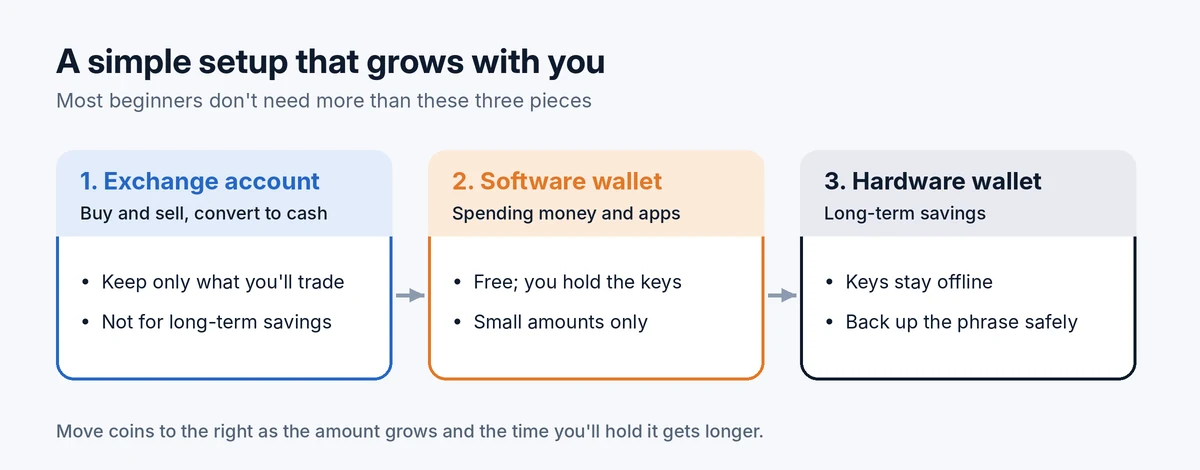
You don’t need all seven. A practical path for most beginners:
- Start on a regulated exchange to buy your first crypto. See how to buy crypto safely.
- Add one software wallet that matches the coins you hold, and practice sending a small amount to it.
- Get a hardware wallet once your holdings reach an amount you’d be upset to lose, and move your savings to it. The step-by-step guide to moving crypto from Coinbase to a hardware wallet shows how.
Whichever wallet you choose, the same rules protect you: download only from the official website or app store listing, write your recovery phrase on paper or metal and never store it digitally, and send a small test amount before larger transfers. How to store a seed phrase safely covers the most important one in detail.
Wallet mistakes to avoid
- Downloading a fake app. Scammers publish copycat wallets and pay for search ads. Type the official address yourself or follow the link from the company’s verified site.
- Keeping savings in a hot wallet. Software wallets are for spending money, not your life savings.
- Using the wrong network. Many wallets support several networks; sending on one the receiving wallet doesn’t support can lose your funds. See sent crypto to the wrong network.
- Trusting “support” messages. No wallet company will ever ask for your recovery phrase. More in 10 common crypto scams.
Quick answers
What’s the safest crypto wallet?
A reputable hardware wallet, used with a recovery phrase you’ve stored safely offline. The device matters less than how carefully you handle the phrase.
Are free wallets safe?
Established free wallets are safe enough for small amounts. They make money from swap and trading fees, not from charging for the app. The risk isn’t the price; it’s that your keys are on an online device.
Can I use more than one wallet?
Yes, and many people do. A common setup is a phone wallet for spending and a hardware wallet for savings.
Do I need a wallet if I only buy through a Bitcoin ETF?
No. With an ETF, you own fund shares in a brokerage account rather than coins. See how Bitcoin ETFs work.
This guide is for educational purposes only and isn’t financial advice. Features and prices change; check each provider’s official site before choosing.